
Scan the handwritten page or import a note from Photos or Files.
How It Works
How It Works
FlusterCluck is designed to be fast, forgiving, and useful.
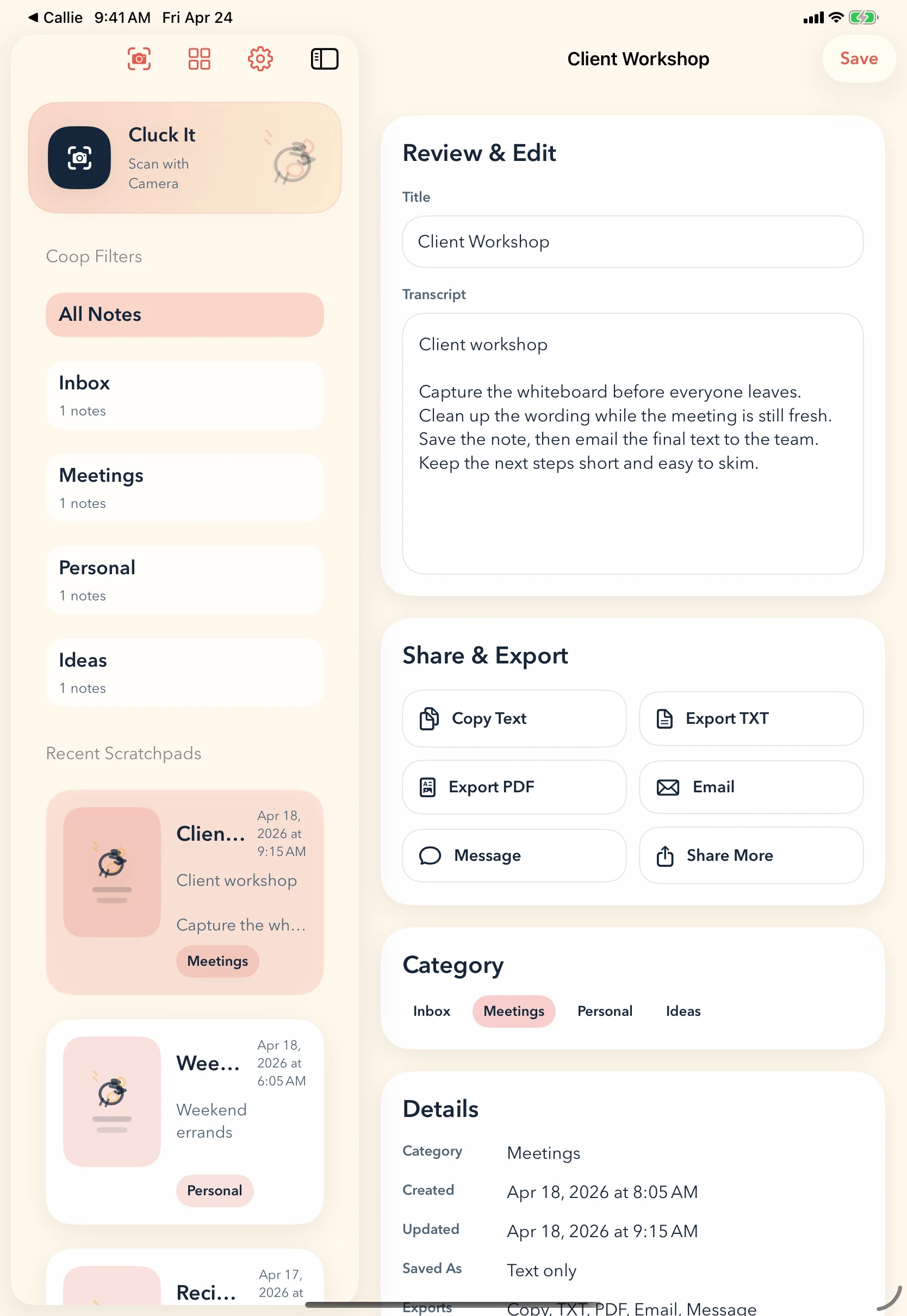
1. Bring the note in
Start from a photo, scan, or quick import.
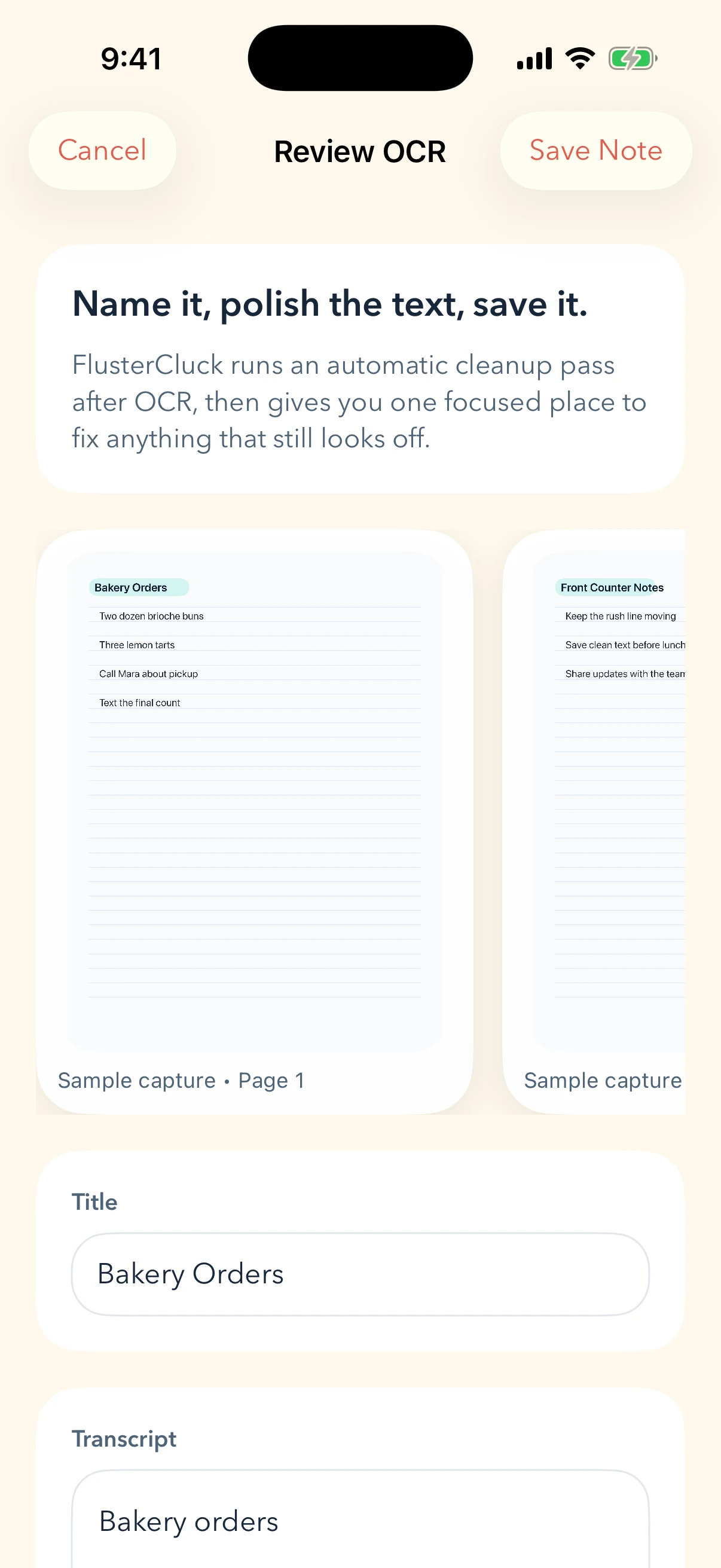
2. Clean up the OCR
Review the transcript while the original note is still visible.
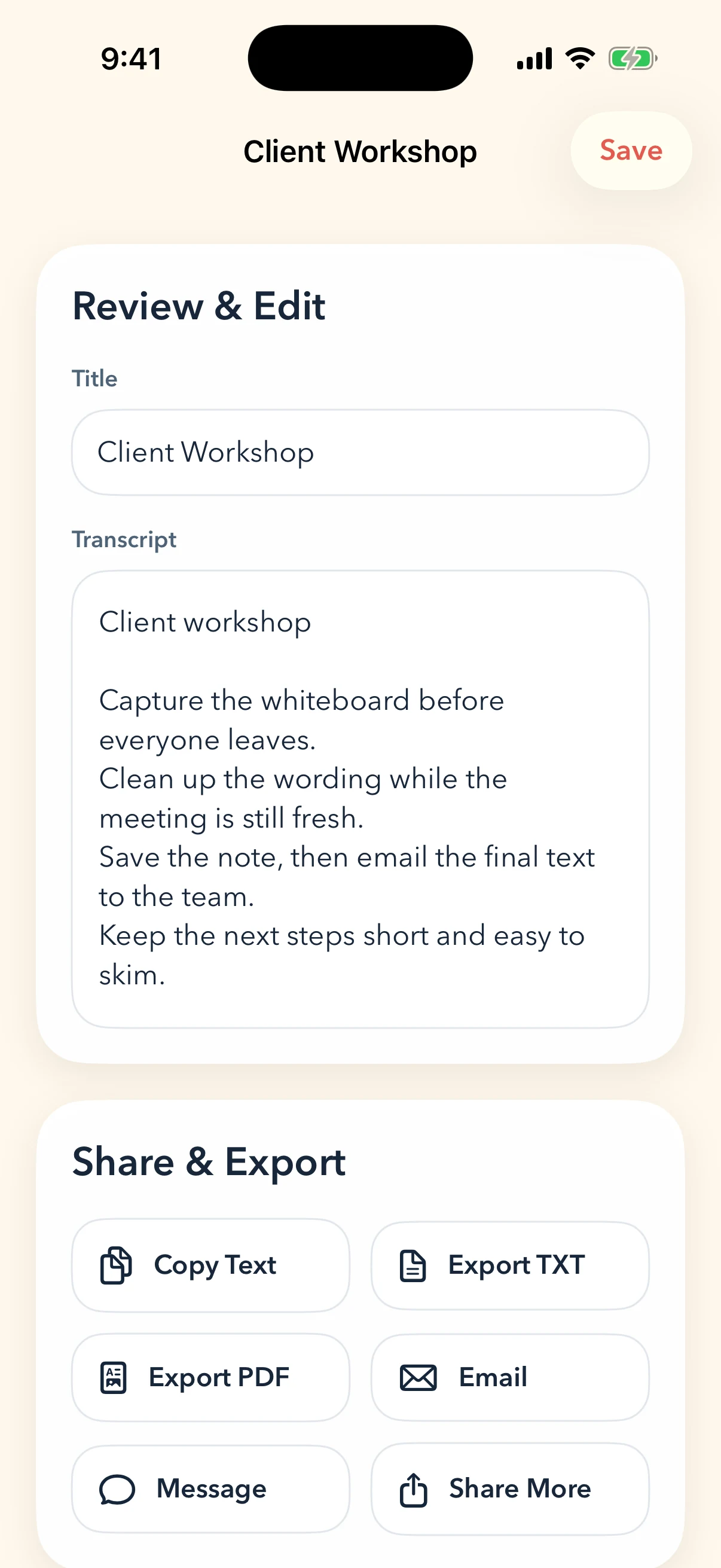
3. Save it somewhere usable
Keep the cleaned note in a simple category and send it on.
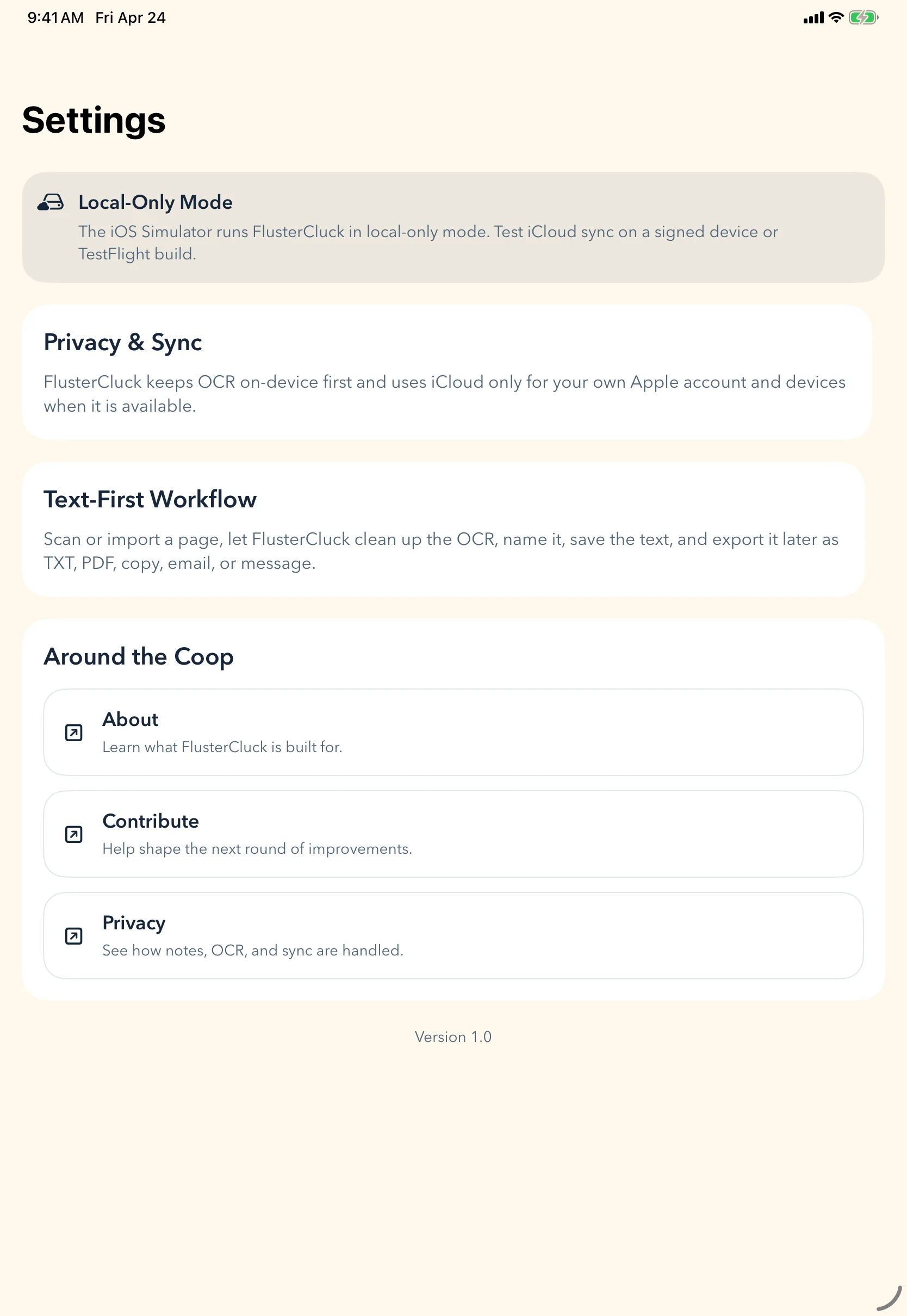
4. Repeat without friction
Stay ready for the next handwritten mess.
How it works
A simple flow that leaves room for real use.
Each step stays direct so the product can get out of the way and let the work happen.
Let FlusterCluck pull out the text, then fix the title and polish anything the OCR missed.
Save it somewhere useful, export it, or share it when the note matters again.
Closing
A better way to deal with note piles
FlusterCluck turns handwritten clutter into something you can actually use without asking you to become a document manager first.
FlusterCluck
Read the practical questions.
The privacy and questions page keeps the scope and product framing short and clear.