Scan with the camera or import from Photos and Files.
Coming soon to iPhone and iPad
Handwritten note scanner for paper scraps, quick lists, and messy notes.
FlusterCluck is a handwritten note scanner and cleanup app that helps you turn handwritten scraps, quick lists, and messy note piles into clean, editable text you can sort, save, and share without slowing down your day.
Bring in a note, clean up the OCR, sort it fast, and keep the useful part moving.
Built for real notes, real desks, and real-life clutter.
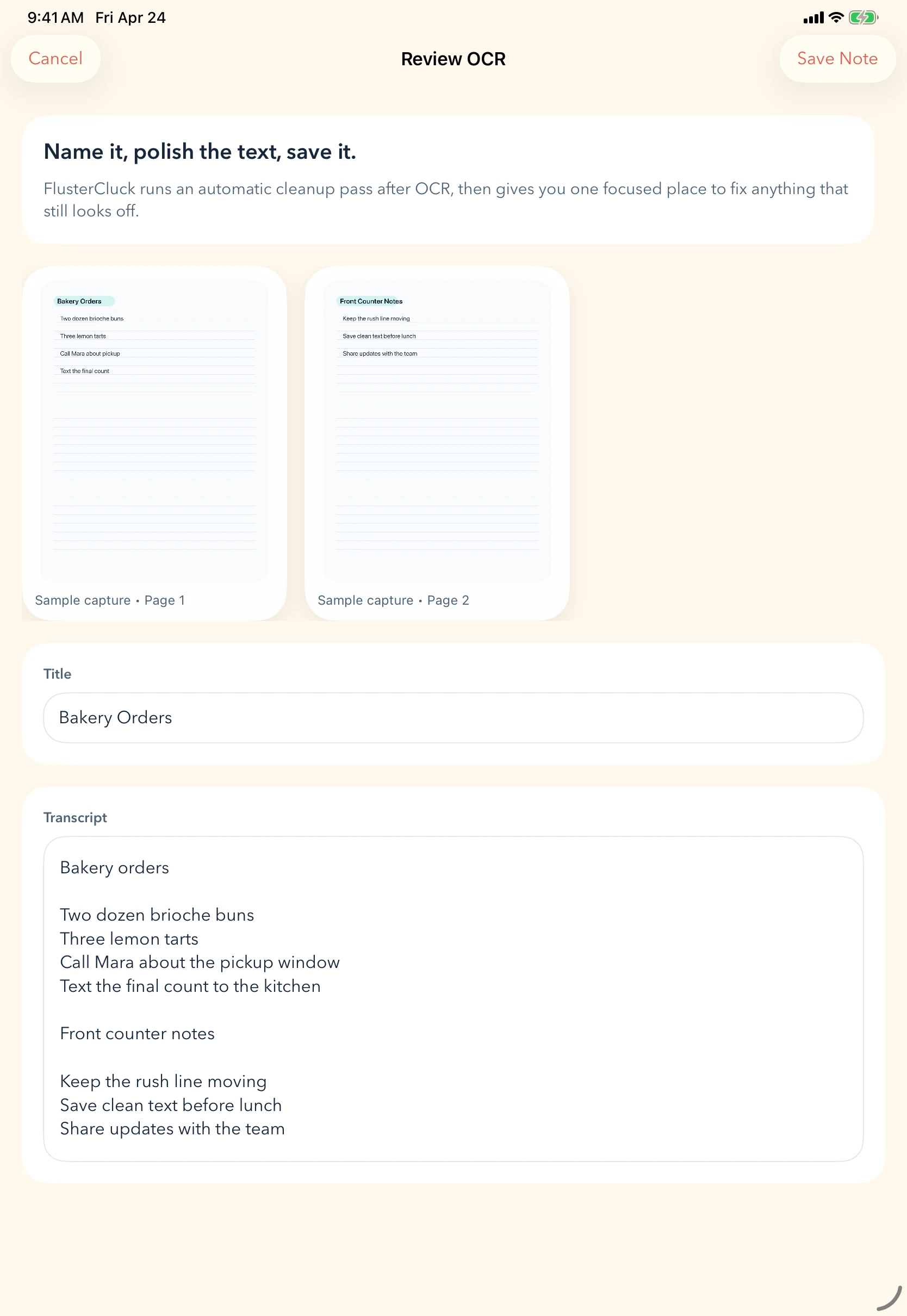
Review OCR, fix anything off, and give the note a proper title.
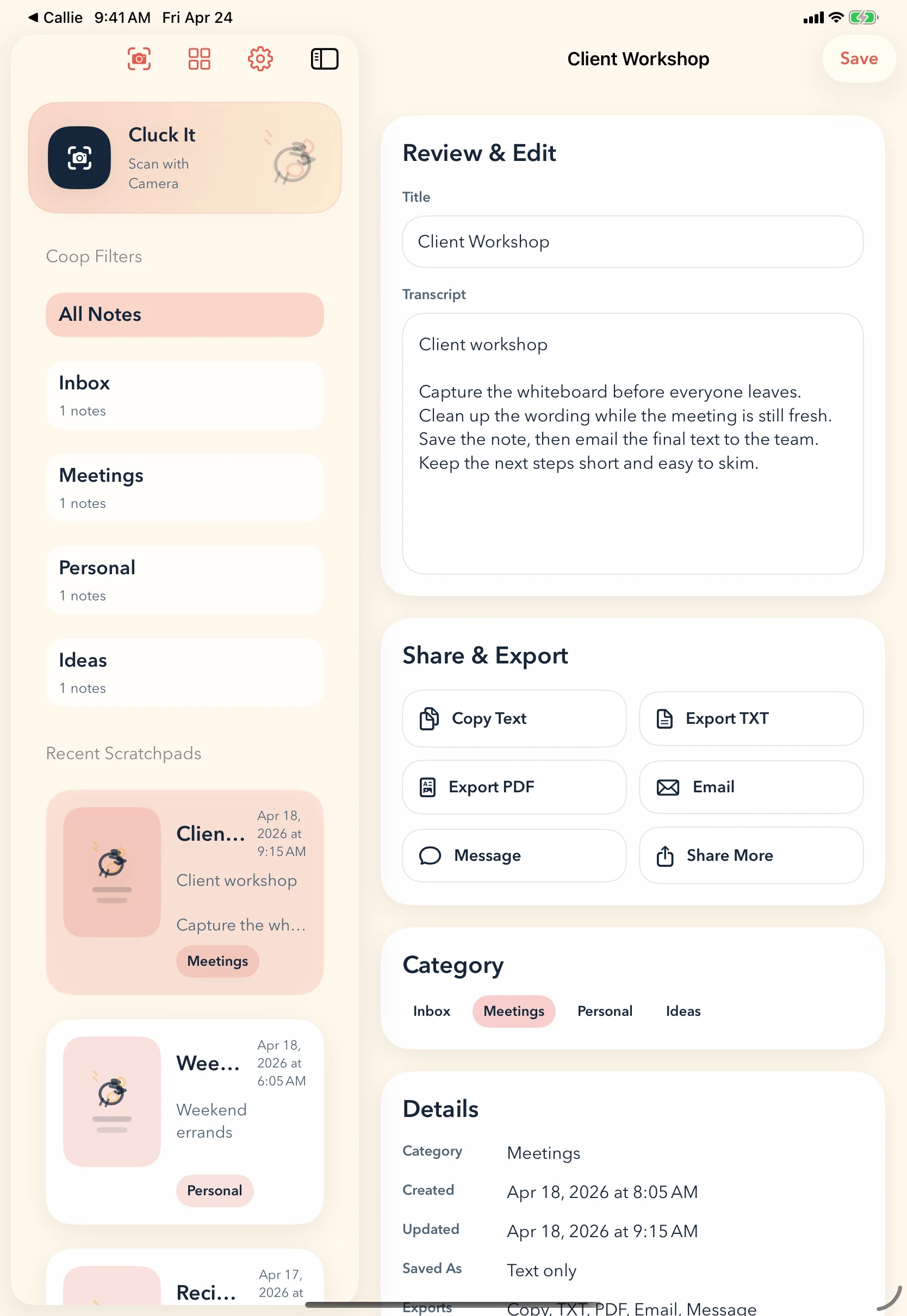
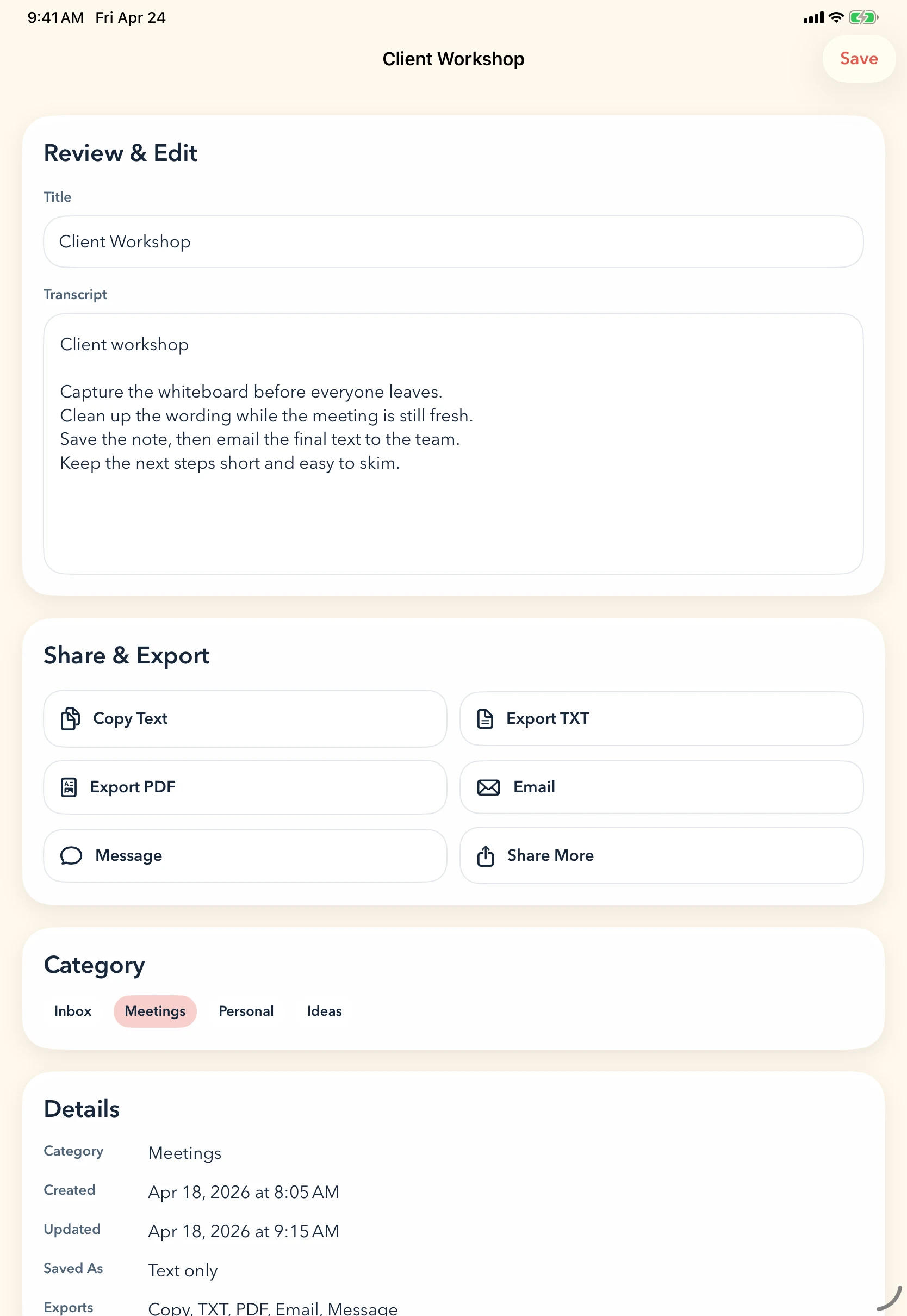
Sort it, export it, message it, email it, or keep it for later.
Step 1
Bring in a note fast.
Start with whatever you have. Scan a page with the camera, pull in a photo, or import a file. FlusterCluck is built for the notes that were useful in the moment, not perfectly organized from the start.
- Scan with camera
- Import from Photos
- Import from Files
No complicated setup. Just get the note in.
Step 2
Keep the useful part and move on.
Use a quick camera cleanup pass before OCR review. Adjust the crop, keep the page, and avoid dragging a simple note through a fussy document flow.
- Retake if needed
- Adjust the crop
- Keep the page when it looks right
A little cleanup up front makes the next step easier.
Step 3
Review the OCR in one focused place.
After capture, FlusterCluck gives you a cleanup pass. Fix the title, polish the transcript, and save the note without bouncing between screens or retyping everything from scratch.
- Edit the title
- Review the transcript
- Export TXT or PDF
- Email, message, or share
Fast enough for everyday use. Clear enough to trust.
How Clucking It works
Take the picture. Clean up the text. Save it somewhere useful.
Scan a page or import a note from Photos or Files.
Let FlusterCluck pull out the text.
Fix the title, clean up the transcript, and review anything odd.
Sort it, export it, or share it without extra friction.

FAQ
Questions, kept simple.
Short answers to the practical questions people ask first.
FlusterCluck is for quickly turning handwritten notes, photo notes, and loose paper reminders into clean, editable text you can sort, save, and share.
Quick lists, reminder pages, shop notes, desk scraps, handwritten thoughts, and the kinds of notes that are useful but not exactly organized.
FlusterCluck is being prepared for iPhone and iPad.
No. That is the point.
No. It is intentionally lighter than that. FlusterCluck is built to get notes into a usable state quickly, not turn them into a full administrative project.
Made for note piles, scratch pages, and real desks.
FlusterCluck is built for the notes that happen in the middle of work, not after everything is already neat. Coming soon to iPhone and iPad.